Your own online store, set up by you
Create a store, give it your name, your currency and your business details, and it is ready for your products the same day.
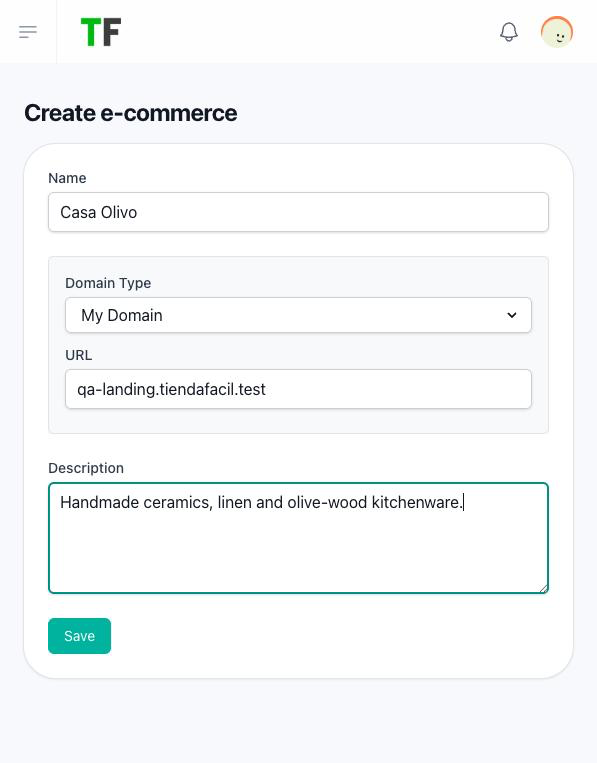
Open your store in a minute
Write a name, an address and a short description, and your store opens with its home page, product list, categories, product page, cart, contact page and wishlist already in place. You are its owner from the first moment.
How to create and set up your store →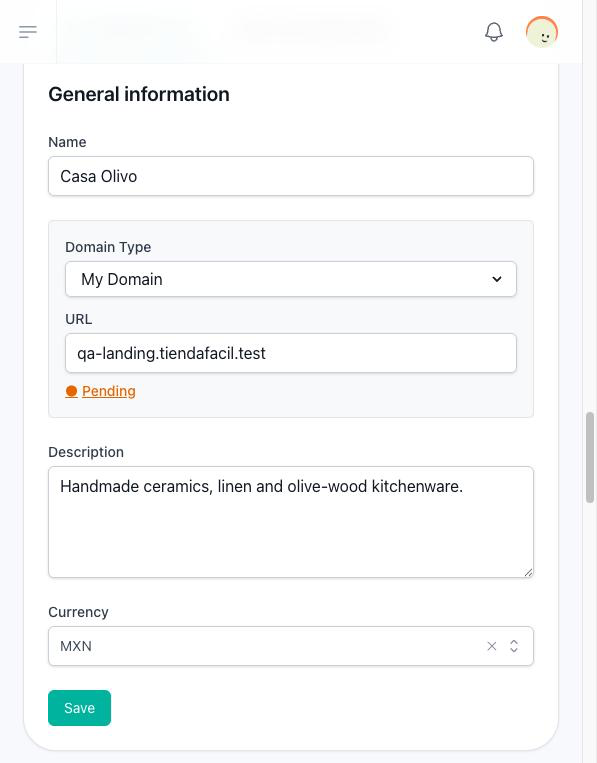
Show every price in your currency
Choose the currency your store sells in from the platform catalogue, and every price is written with its sign and its code, such as $1,250.00 MXN. Changing it changes how prices are written, never the amounts.
How store currencies work →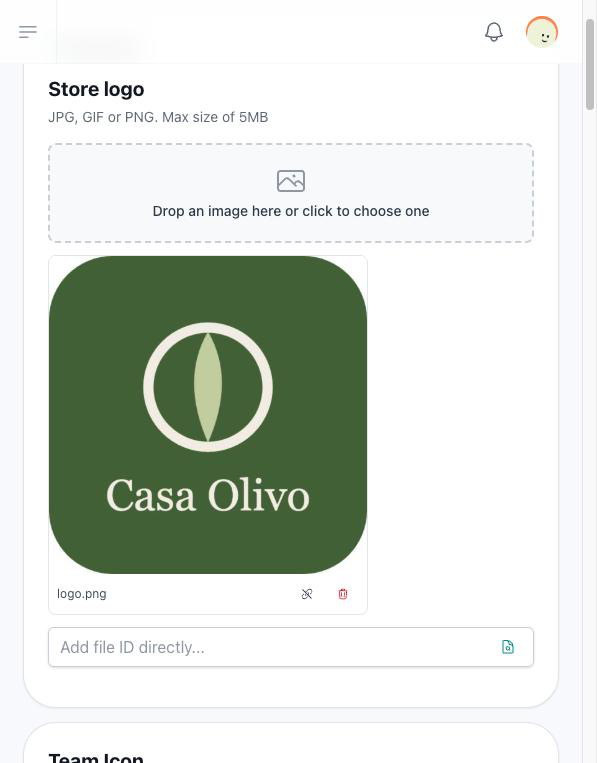
Put your logo and your language on it
Upload your logo, choose the language your store is shown in to every visitor and keep the name and description up to date from one settings screen. Only the members of your team with permission to edit settings can change them.
What each general setting changes →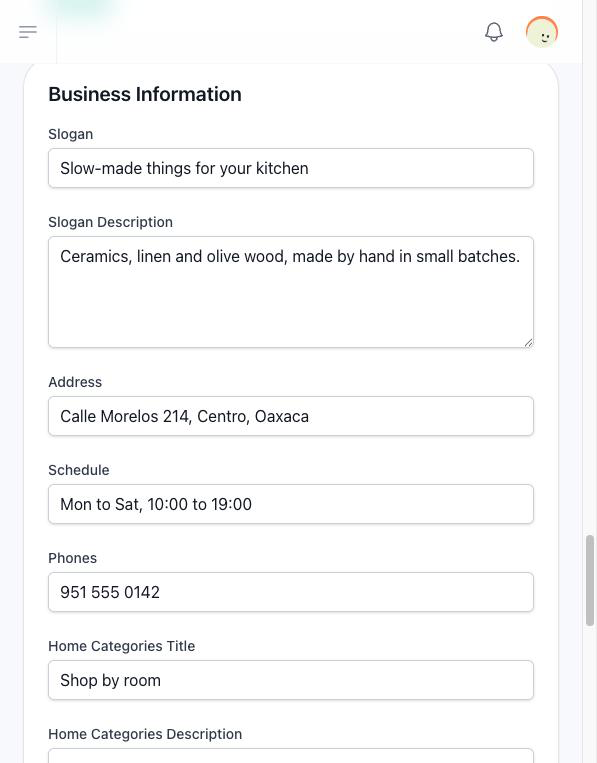
Tell your customers who you are
Write your slogan, your address, your phones and your schedule, pick your colour and a background image, and your home page shows them to every visitor.
How your business details show on your store →Know what to set up before your first sale
Load your products, choose how you deliver and how you get paid, and decide who on your team hears about orders. Your customers can buy as soon as one payment method and one delivery method are on.
What to configure before you sell →Pay only for the parts you use
Inventory, product variants, measurement units, delivery time, limited-time products, dynamic fields, Mercado Pago, bank transfer and Skydropx come with your plan or as add-ons. Pay at pickup, pickup in store, home delivery and intermediate points need none.
What your store includes →