A purchase your customers finish
From the cart to the confirmation in a few steps, as guests or with an account, with their products held while they pay.
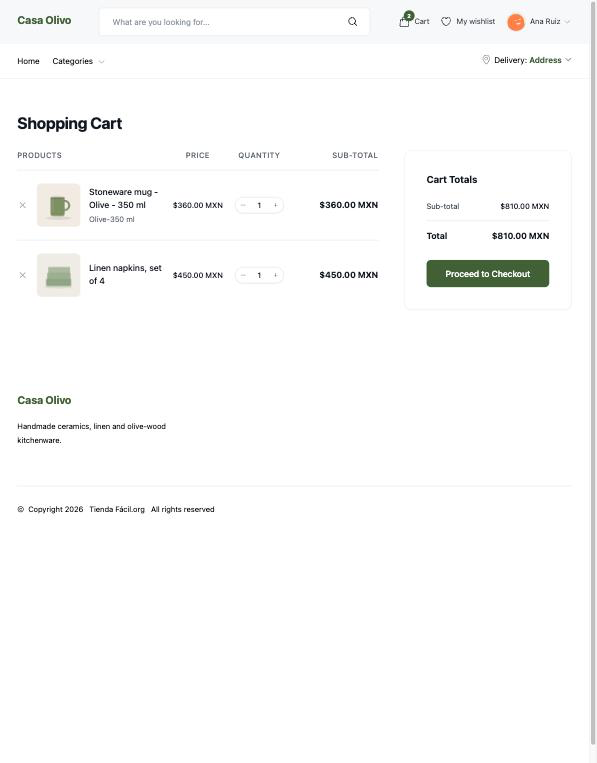
A cart that checks itself
Your customers change quantities and remove products in the cart, and the store checks there is enough stock before they go on. A guest keeps their cart while they browse.
How your customers buy →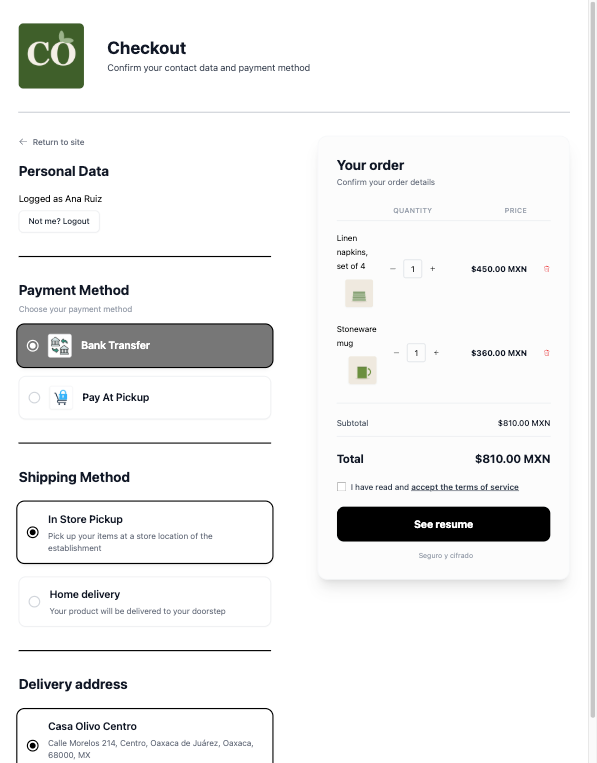
Everything on one checkout screen
Your customer buys as a guest or signs in without leaving the page, chooses how to pay and how to receive the order, and sees the shipping, the fees and the total before going on.
The steps of the checkout →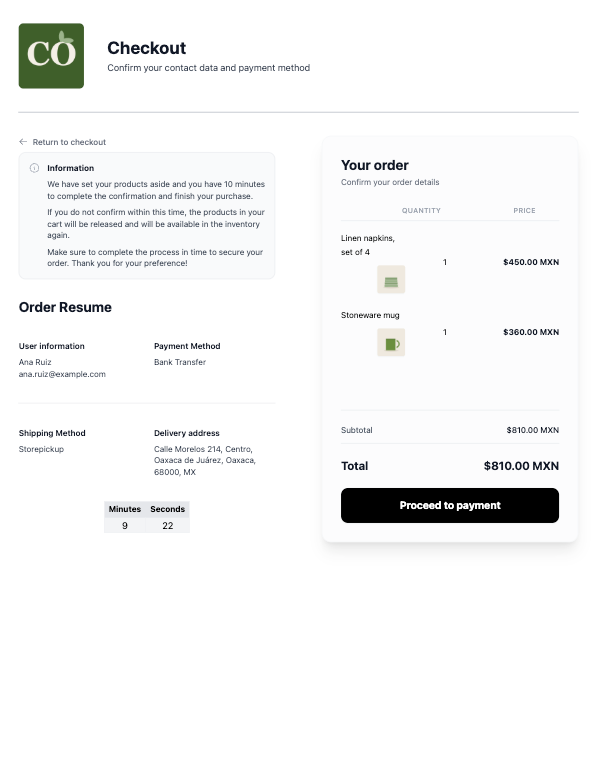
Products held while your customer pays
From the order summary the products are reserved so nobody else can buy them. With Mercado Pago or a transfer your customer has 10 minutes to pay, with a countdown on screen.
How the reserved time works →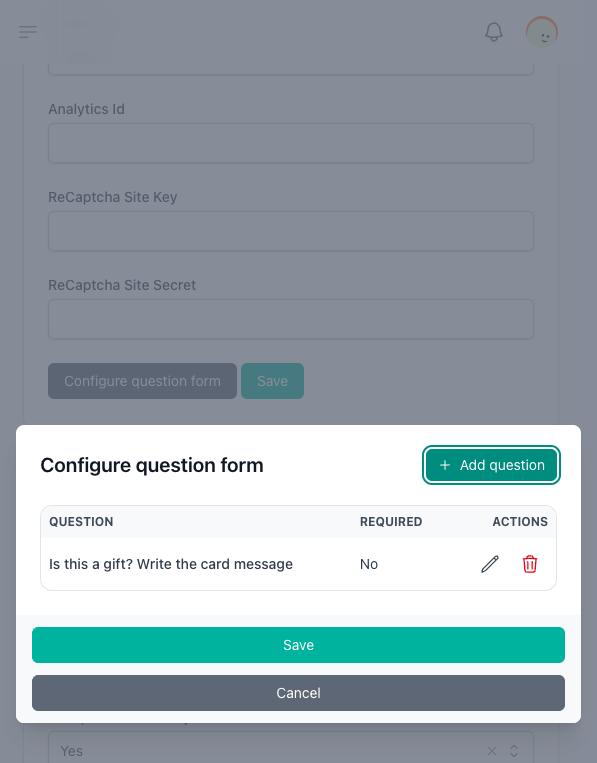
Ask your own questions at checkout
Ask every customer for a delivery time, a gift note or an invoice number. The answers appear on the order.
How to add checkout questions →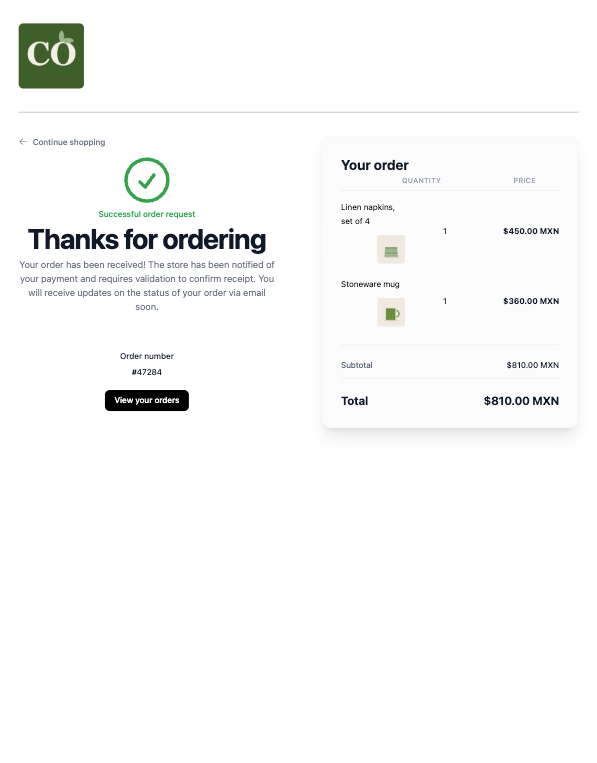
A clear confirmation
Your customer sees the order number, the products and the totals, with a link to the order page where they follow its payment and delivery.
What your customer sees after buying →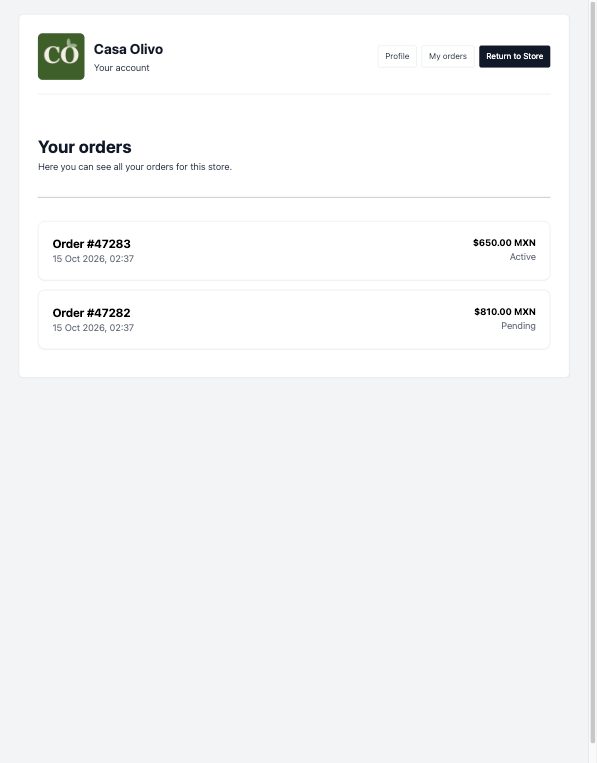
An account for your customers
Customers who register find every order they placed in your store, their wishlist and their profile.
What the customer account holds →